Charts and indicators
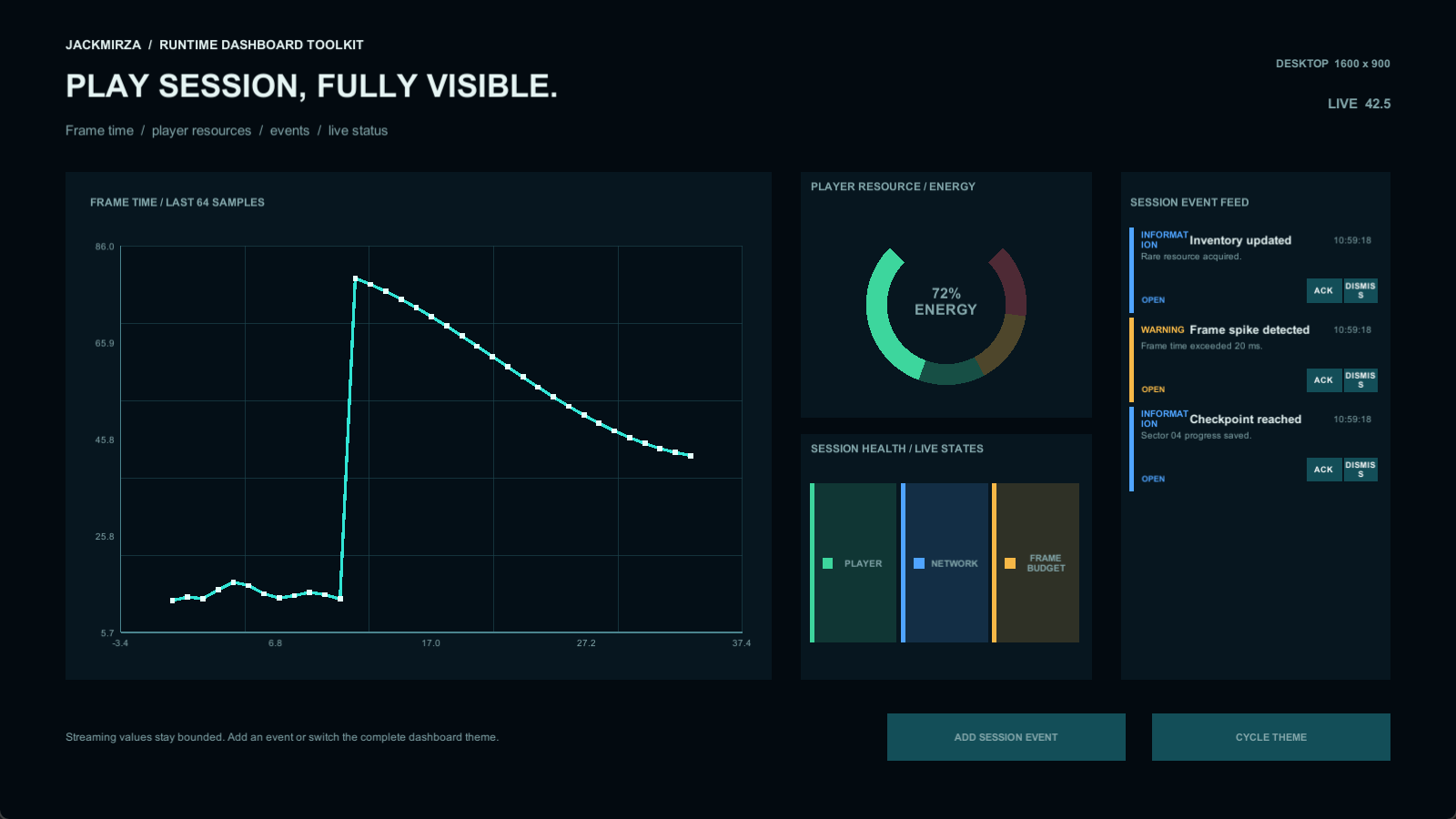
Line, area, grouped bar, and donut charts, plus circular and linear gauges, progress, and semantic status indicators.
Charts & live data
Runtime Dashboard Toolkit
Runtime charts, gauges, tables, and alerts for games, management screens, and simulations.
Current price, license, version, and checkout details are shown on the marketplace.
Where it fits
Build a dashboard inside your game or simulation. Combine line, area, bar, and donut charts with gauges, status indicators, tables, and alert feeds in a coordinated uGUI interface.
Connect values through direct C# calls, events, ScriptableObjects, Inspector samples, or local JSON examples. Start with the telemetry, management, or operations demo, then adapt its data flow and theme.
Line, area, grouped bar, and donut charts, plus circular and linear gauges, progress, and semantic status indicators.
Five documented offline data flows, including direct calls and events from systems that already own the data.
Telemetry, management, and operations screens, reusable prefabs, themes, tables, and actionable alert feeds.
Check your project
Designed for runtime Canvas/uGUI interfaces. Validate performance and rendering in your target project. Explicit table paging is part of the upcoming maintenance update; check release notes before relying on that feature.
Start with a small example
Use the package documentation alongside these steps. Confirm the version you have installed before following a platform-specific workflow.
Read the quick-start guideIntegration example
Illustrative API excerpt. Assign your component references and use the full example in the package documentation.
using Jackmirza.RuntimeDashboard;

// Call on your assigned RuntimeLineChart.
chart.Clear();
chart.MaximumPoints = 64;
chart.Append(frameTime);
Before you buy
Yes. Use direct C# calls or one of the documented event, ScriptableObject, Inspector, or local JSON examples.
No. It is an offline runtime UI toolkit. You own the source data and any external service integration.
Check the exact compatibility matrix for the version you buy. Test the final UI and performance in your target configuration.
Dashboard Toolkit
Review the package details and license on the Unity Asset Store, or ask a setup question first.