Predictable menu navigation
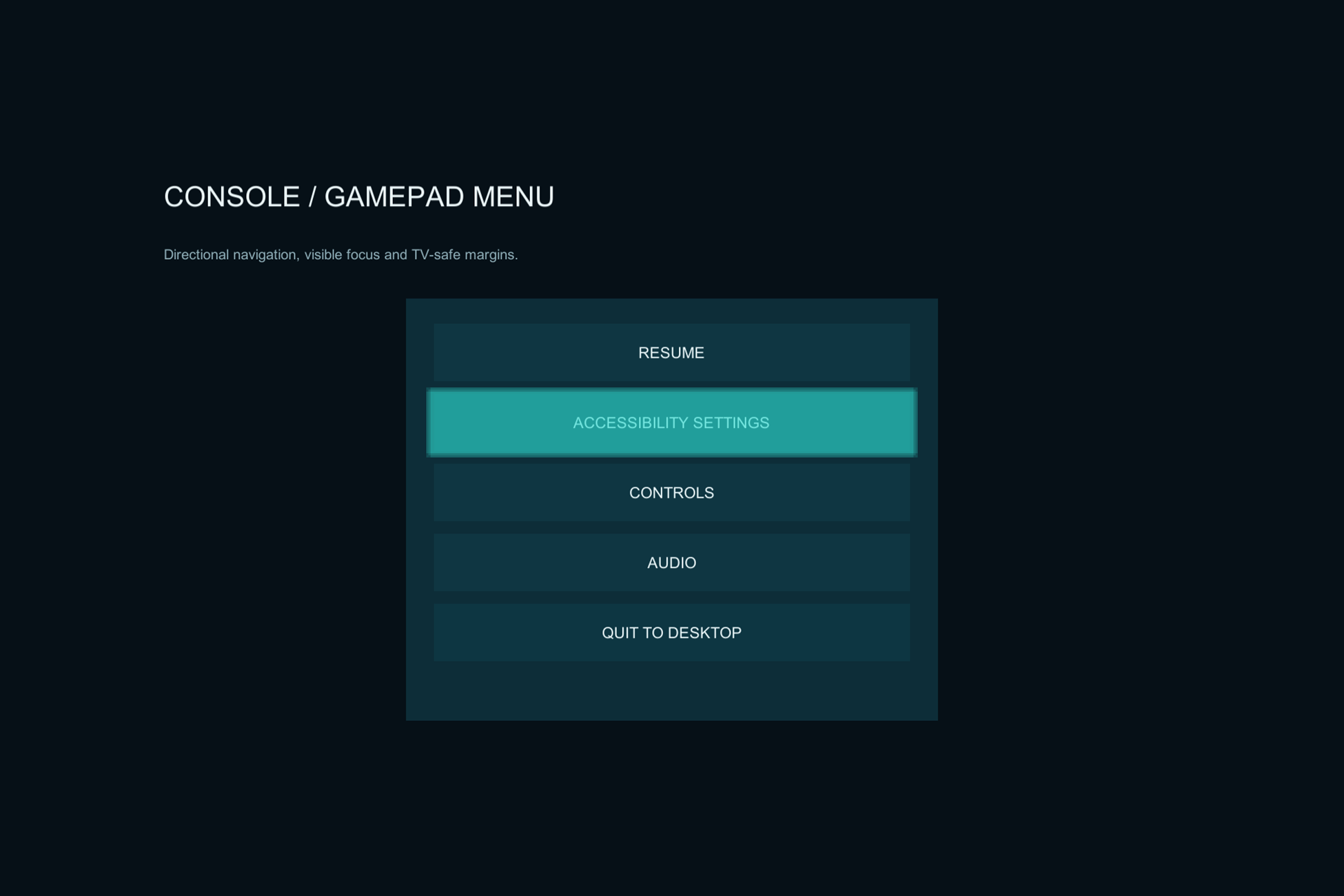
Automatic directional links, per-control overrides, a focus indicator, and selection following for scroll views.
Menus & accessibility
Accessible UI & Navigation Toolkit
Controller-friendly navigation and accessibility building blocks for your existing uGUI menus.
Current price, license, version, and checkout details are shown on the marketplace.
Where it fits
Give players a predictable way to move through your interface with a keyboard or controller. Add navigation and presentation components without replacing your visual style.
Use automatic directional links, visible focus, modal controls, scroll-follow behavior, and accessibility preferences. The examples show how those pieces fit into desktop, gamepad, and mobile menu layouts.
Watch the published demo on YouTube ↗Automatic directional links, per-control overrides, a focus indicator, and selection following for scroll views.
Text scaling, high-contrast targets, reduced-motion adapters, subtitles, and locally saved preferences.
Safe-area and TV-safe-zone helpers, responsive presets, localization stress tests, and text overflow diagnostics.
Check your project
This is a uGUI toolkit. It does not provide accessibility certification or an operating-system screen reader. Input System-only integration requires project-specific validation.
Start with a small example
Use the package documentation alongside these steps. Confirm the version you have installed before following a platform-specific workflow.
Read the quick-start guideIntegration example
Illustrative API excerpt. Assign your component references and use the full example in the package documentation.
using JackMirza.AccessibleUI;

// Call on your assigned AccessibilityManager.
manager.SetTextScale(1.35f);
manager.SetHighContrast(true);
Before you buy
No. The components are visually neutral and work with your existing uGUI controls and graphics.
No. An announcement interface is available for a host integration, but no operating-system screen-reader bridge or accessibility certification is included.
Read the supported editor and input configuration in the marketplace listing and package documentation. Do not assume every custom input module or Input System-only setup has been validated.
Accessible UI
Review the package details and license on the Unity Asset Store, or ask a setup question first.