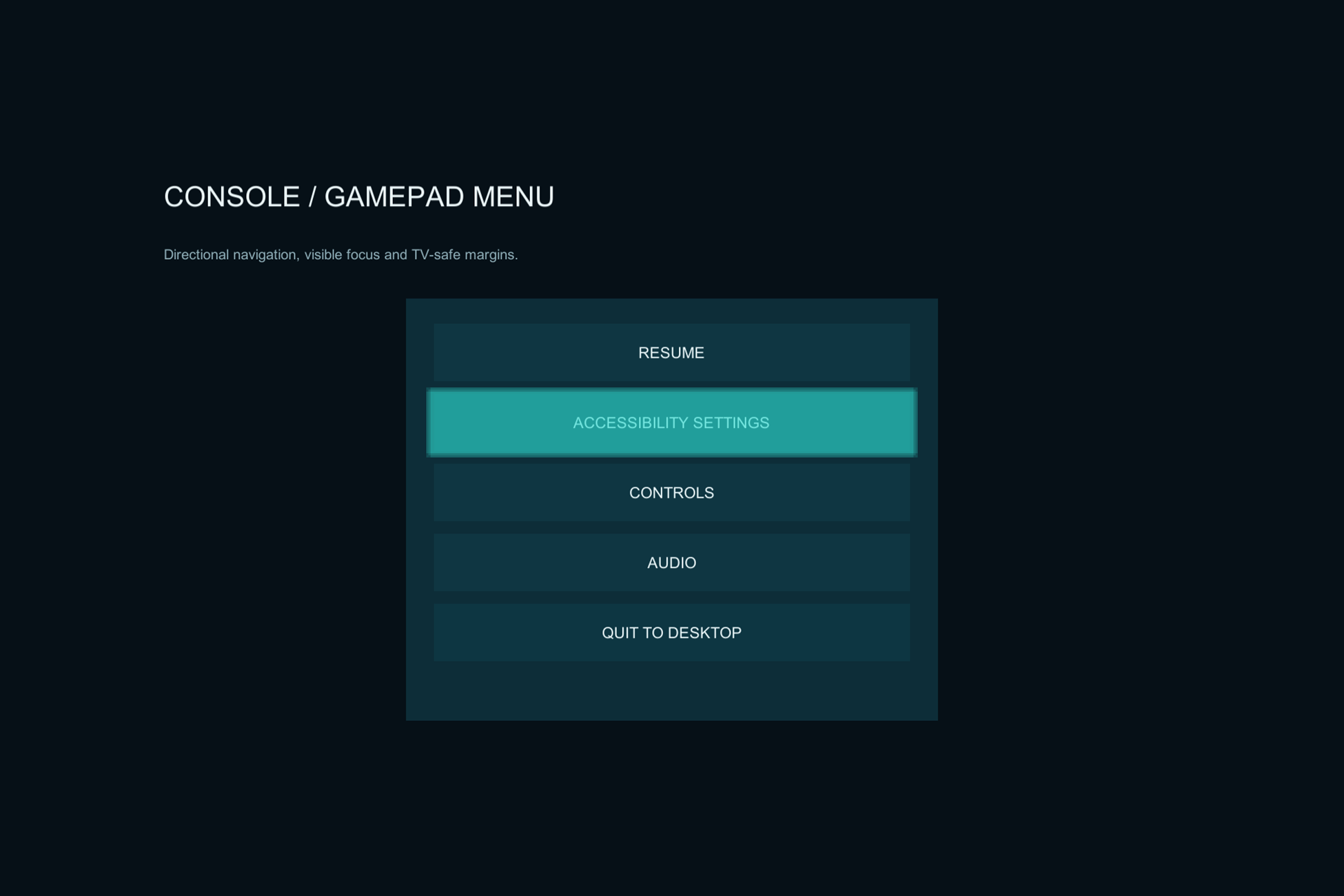
Menus & accessibility
Accessible UI & Navigation Toolkit
Controller-friendly navigation and accessibility building blocks for your existing uGUI menus.
Practical tools. Visible results.
Focused Unity tools for the parts of a project you keep rebuilding: menu navigation, dashboards, tester reports, and release checks.
Five existing products. Source included. Setup guides before you buy.
Choose the workflow
See what each product does, how to integrate it, and what its current version supports.
Menus & accessibility
Controller-friendly navigation and accessibility building blocks for your existing uGUI menus.
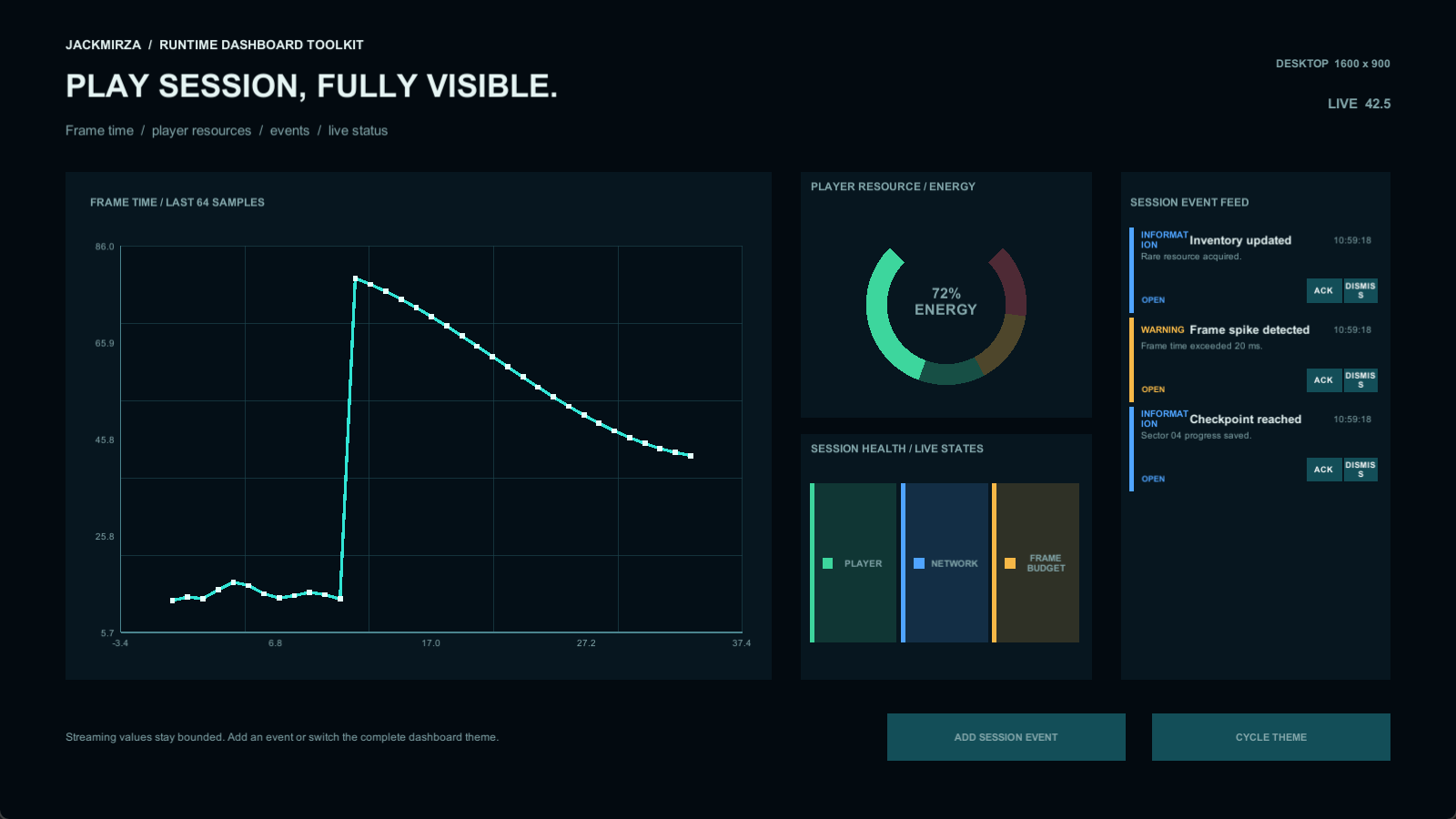
Charts & live data
Runtime charts, gauges, tables, and alerts for games, management screens, and simulations.
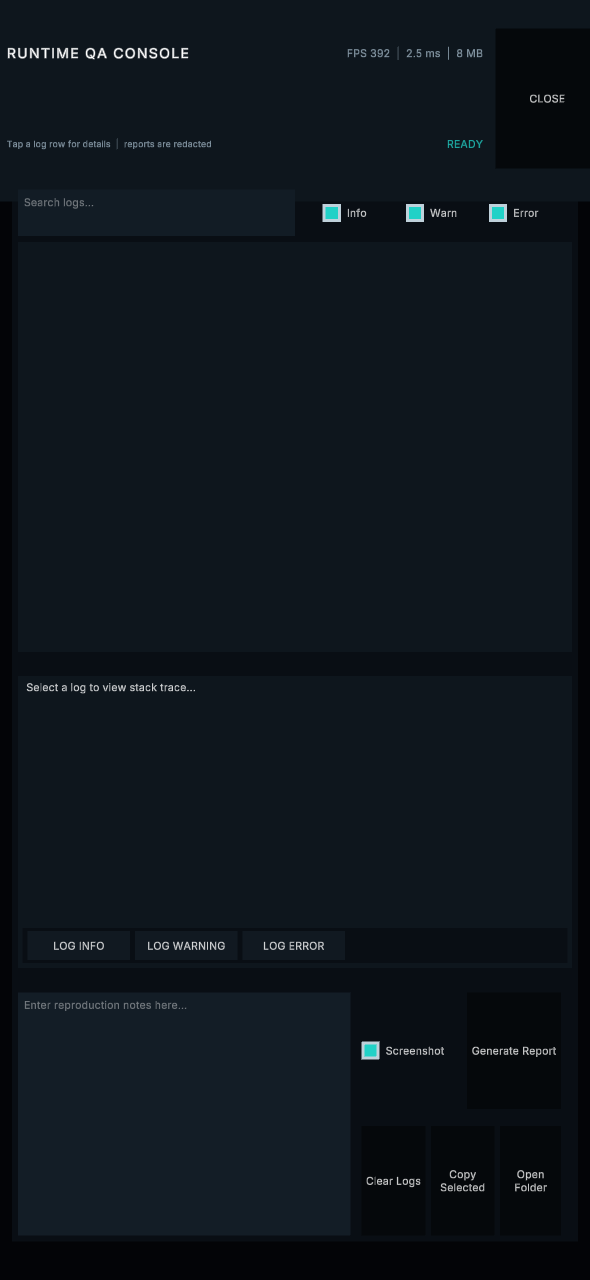
Testing & bug reports
Give testers an in-game log console and exportable reports with useful session context.
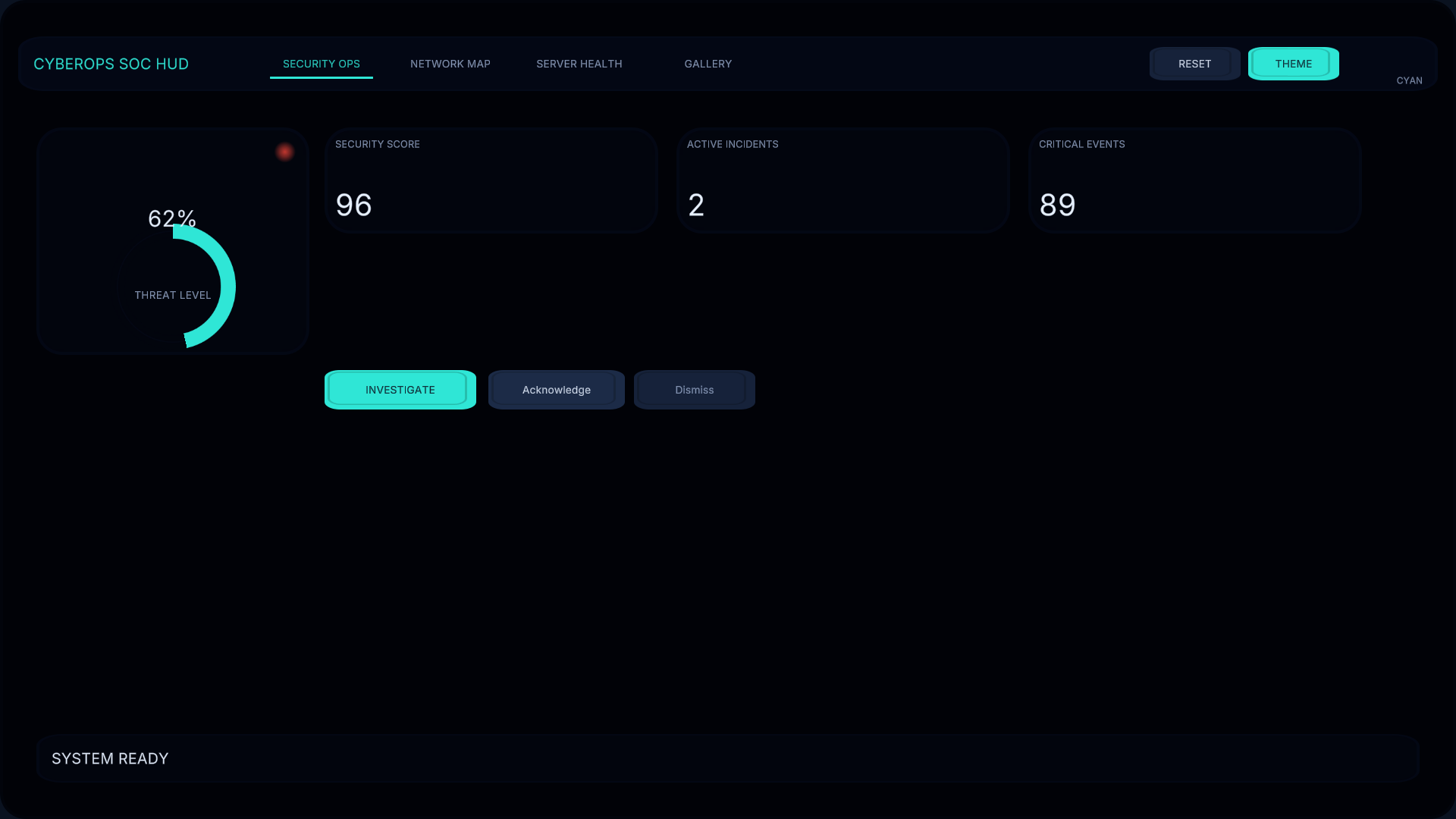
Sci-fi interface kit
Fictional security, network, and server-health dashboards for sci-fi games and simulations.
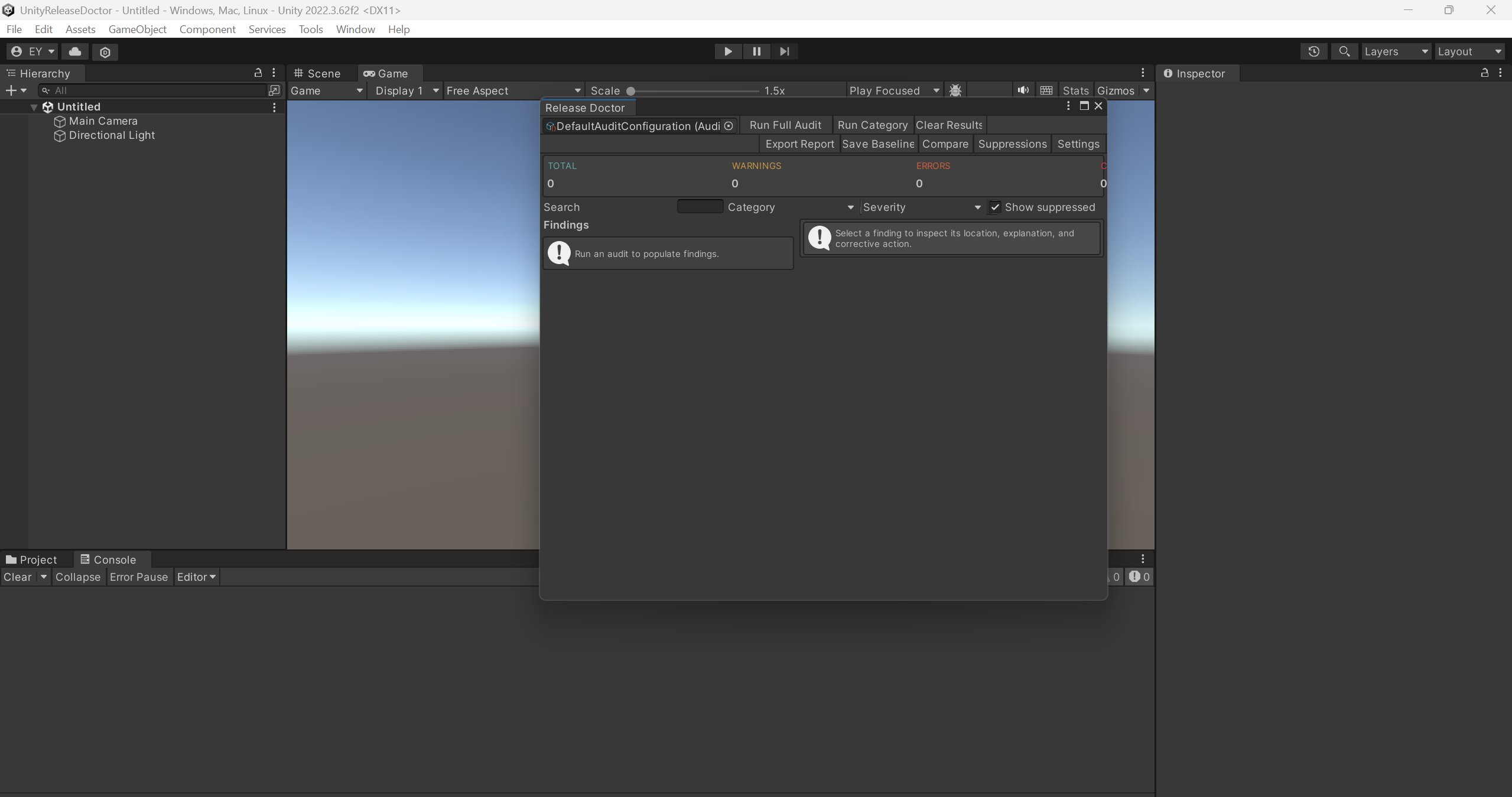
Project audits & CI
Run configurable project checks, review findings, and export reports for editor and CI workflows.
From preview to project
Independent publisher
jackmirza builds focused interface and development tools for Unity projects, including game menus, simulations, sci-fi interfaces, QA, and release preparation.
Each product has its own requirements and examples. Read the current marketplace listing and release notes for the exact version offered.
See all five marketplace listings ↗Customer support
For setup questions or a reproducible issue, include the product/version, Unity editor version, input configuration, render pipeline, and relevant error details.
Email supporterenmyeager15@gmail.com↗Privacy
This website has no accounts, advertising pixels, contact forms, or site analytics. Product links take you to the Unity Asset Store, which has its own terms and privacy practices.
Read the website privacy notice