Three dashboard layouts
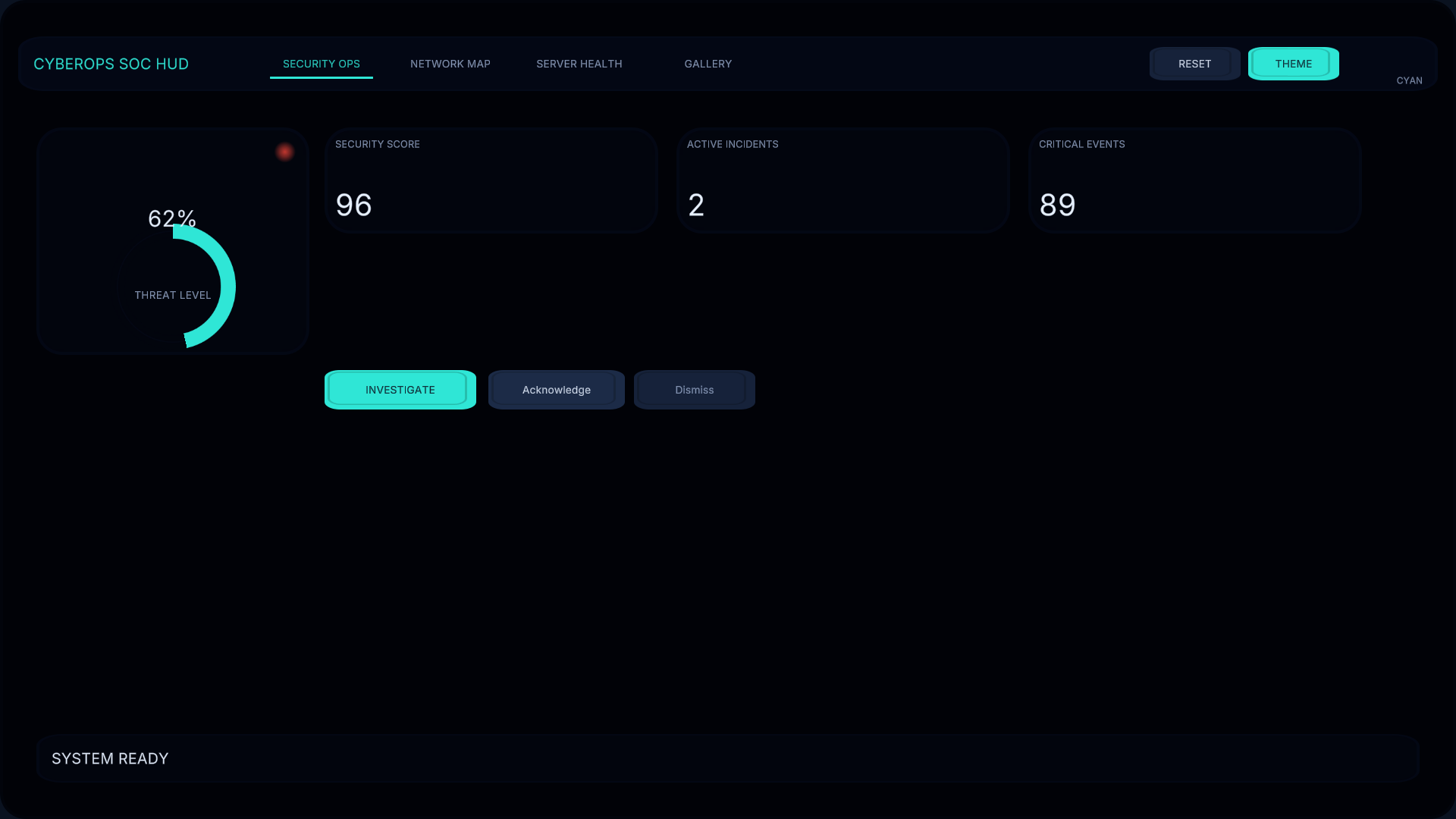
Security Operations, Network Topology Monitor, and Server Health screens with a component gallery.
Sci-fi interface kit
CyberOps SOC HUD
Fictional security, network, and server-health dashboards for sci-fi games and simulations.
Current price, license, version, and checkout details are shown on the marketplace.
Where it fits
Create a coherent control-room interface for a sci-fi game or simulation. CyberOps SOC HUD brings security operations, network topology, and server-health screens into one themed uGUI visual system.
Customize three themes, resize nine-sliced panels, edit TextMeshPro labels, and reuse the icons and animated widgets. The demonstration shows synthetic status changes, alerts, navigation, and theme switching.
Watch the published demo on YouTube ↗Security Operations, Network Topology Monitor, and Server Health screens with a component gallery.
50 cybersecurity/network icons, nine-sliced UI sprites, editable labels, and coordinated Cyan, Blue, and Emergency themes.
Gauges, progress bars, alerts, status indicators, tabs, tooltips, and a reproducible demo-scene builder.
Check your project
A fictional interface kit, not real cybersecurity or network-monitoring software. Demo data does not connect to, monitor, or control real systems.
Start with a small example
Use the package documentation alongside these steps. Confirm the version you have installed before following a platform-specific workflow.
Read the quick-start guideBefore you buy
No. It is a visual interface kit with locally generated demonstration data.
Yes. Themes use ScriptableObjects, labels use TextMeshPro, and panels are designed for nine-slice resizing.
No. The included demonstration operates offline. External data connections are not included.
CyberOps HUD
Review the package details and license on the Unity Asset Store, or ask a setup question first.